How Can Businesses Automate Inventory and Accounting? A Complete Guide to ERP Software
Discover how ERP software connects inventory and accounting, reduces duplicate data entry and gives you accurate, up-to-date financial reports. A practical guide for businesses in Pakistan.
Managing inventory and accounting separately can create unnecessary challenges for growing businesses. Stock records may not match accounting balances, purchase invoices may require manual verification, and finance teams may spend hours reconciling transactions.
For trading, manufacturing, distribution and retail businesses in Pakistan, these problems can affect business efficiency, financial accuracy and decision-making.
The solution is to connect inventory management and accounting through an integrated ERP software system.
But how does business automation work, and how can the right ERP software help companies manage their inventory and finances more effectively?
Let's explore.
What Is Inventory and Accounting Automation?
Inventory and accounting automation means using integrated business software to record, process and update operational and financial transactions with less manual intervention.
Instead of entering the same information into separate inventory and accounting systems, an ERP connects both departments through a centralised database.
For example, when a business purchases raw materials or finished goods:
- The purchase order is recorded.
- Goods are received into inventory.
- Stock quantities are updated.
- The supplier invoice is recorded.
- Relevant accounting entries are generated according to the system configuration.
- Accounts payable records are updated.
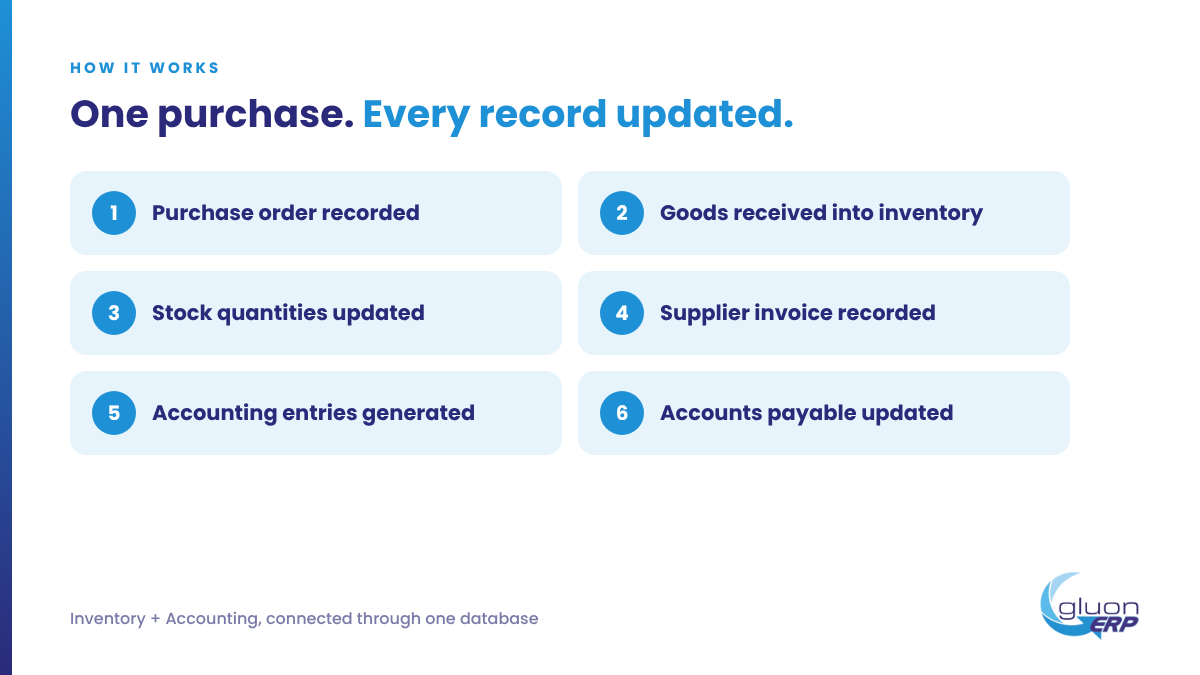
This connected process helps businesses maintain consistent records and reduce duplicate data entry.
Why Do Businesses Need Inventory and Accounting Automation?
Many businesses still depend on spreadsheets, manual registers and disconnected accounting applications.
As operations expand, these methods become difficult to manage.
Here are some common challenges:
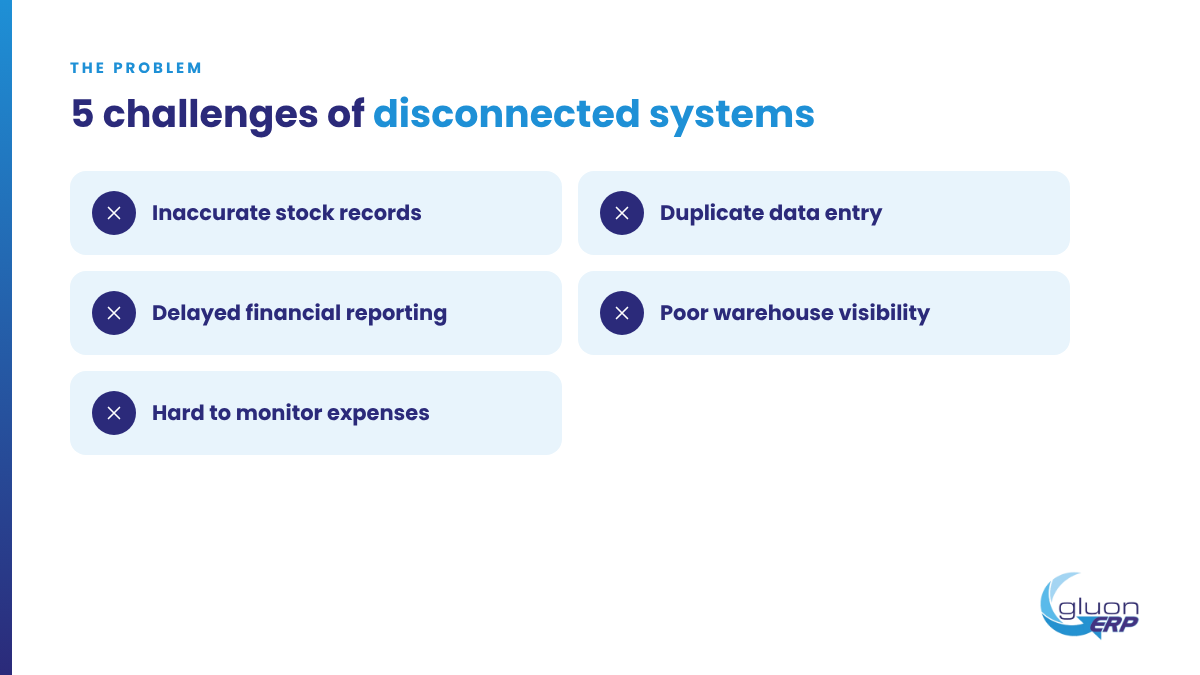
1. Inaccurate Stock Records
Manual inventory updates can result in incorrect stock balances.
Businesses may believe an item is available when it is already sold, reserved or transferred to another warehouse.
Inventory management software helps record stock receipts, issues, transfers and adjustments in a centralised system.
2. Duplicate Data Entry
When inventory and accounting systems are separate, employees often enter the same transaction more than once.
For example, a purchase transaction may be recorded in the inventory system and then manually entered into accounting software.
An integrated ERP connects these activities and reduces repetitive work.
3. Delayed Financial Reporting
When sales, purchases, payments and inventory transactions are not updated together, finance teams may struggle to prepare accurate reports.
ERP accounting software helps businesses maintain updated financial records and access reports such as:
- Trial Balance.
- Profit and Loss Statement.
- Balance Sheet.
- Cash Flow information.
- Customer Receivables.
- Supplier Payables.
- Stock Valuation.
4. Poor Warehouse Visibility
Businesses operating multiple warehouses need to know where their inventory is located.
Without a centralised inventory system, tracking stock across different locations becomes difficult.
A suitable ERP provides warehouse-wise stock visibility and records stock transfers between locations.
5. Difficulty Monitoring Business Expenses
Businesses need accurate purchase, expense and payment records to understand their financial position.
An integrated ERP helps connect operational expenses with financial reporting, providing better visibility into business costs.
How Does ERP Software Automate Inventory and Accounting?
The main advantage of ERP software is that it connects business activities instead of managing each department independently.
Let's understand the major processes.
1. Automated Purchase and Inventory Management
The purchasing process begins with identifying business requirements.
An ERP system helps manage:
- Purchase requisitions.
- Supplier quotations.
- Purchase orders.
- Goods Receiving Notes (GRN).
- Supplier invoices.
- Purchase returns.
Once goods are received, inventory records can be updated based on the authorised transaction.
This helps purchasing and warehouse teams maintain accurate stock information.
2. Automated Sales and Stock Updates
Sales transactions directly affect inventory and accounting.
A connected ERP system can link the following activities:
- Customer quotations.
- Sales orders.
- Delivery challans.
- Sales invoices.
- Sales returns.
- Customer receipts.
When a sales transaction is completed, the relevant inventory and financial records can be updated according to the configured workflow.
This helps businesses maintain better coordination between sales, warehouse and finance teams.
3. Real-Time Inventory Tracking
Inventory management software helps businesses monitor stock across multiple locations.
Important features include:
- Stock receiving and issuing.
- Warehouse management.
- Stock transfers.
- Stock adjustments.
- Physical stock audits.
- Batch and expiry tracking.
- Barcode management.
- Reorder levels.
- Inventory valuation.
These features help businesses identify stock shortages, excess inventory and movement patterns.
4. Integrated Financial Accounting
One of the most important advantages of ERP software is connecting operational transactions with accounting.
For example:
Purchase transaction: Records the relevant supplier liability and inventory or expense impact.
Sales transaction: Records sales revenue and relevant receivable information.
Customer receipt: Updates customer outstanding balances and cash or bank records.
Supplier payment: Updates supplier balances and cash or bank records.
The exact accounting entries depend on the transaction type, configuration and applicable accounting policies.
5. Automated Financial Reports
Business owners need access to financial information without waiting for manual reports.
ERP accounting software can provide reports such as:
- General Ledger.
- Trial Balance.
- Profit and Loss.
- Balance Sheet.
- Accounts Receivable.
- Accounts Payable.
- Cash and Bank Reports.
- Inventory Valuation.
These reports help management understand business performance and make informed decisions.
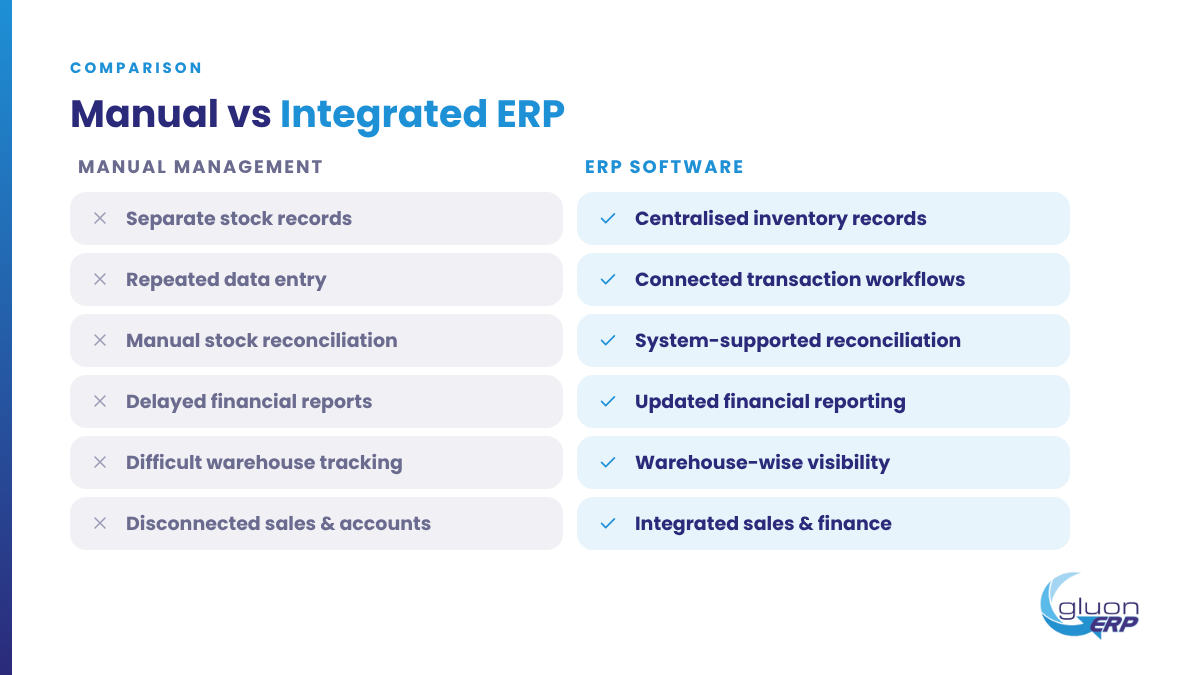
Manual Inventory and Accounting vs ERP Software
Manual business management Integrated ERP software Separate stock records Centralised inventory records Repeated data entry Connected transaction workflows Manual stock reconciliation System-supported stock reconciliation Delayed financial reports Updated financial reporting Difficult warehouse tracking Warehouse-wise inventory visibility Manual purchase monitoring Connected procurement process Disconnected sales and accounts Integrated sales and finance.
How to Choose the Best ERP Software for Inventory and Accounting in Pakistan
Selecting the right ERP software requires more than comparing prices.
Businesses should evaluate the following features:
1. Integrated Inventory and Accounting
Choose an ERP that connects stock movements with relevant financial transactions.
2. Multi-Warehouse Management
Make sure the system can manage inventory across different warehouses and locations.
3. Purchase and Sales Management
Evaluate whether it supports the complete purchase-to-payment and order-to-cash workflows.
4. Financial Reporting
Check whether it offers essential financial statements and transaction-level reporting.
5. User Access and Approvals
Look for user permissions, approval workflows and activity logs to maintain operational control.
6. Cloud Accessibility
Cloud ERP software can help authorised users access business information remotely.
7. Scalability
Choose a solution that can support additional users, branches, warehouses and business requirements as your company grows.
How Gluon ERP Helps Automate Inventory and Accounting
Gluon ERP brings essential business operations together through an integrated ERP platform.
It helps businesses manage purchasing, inventory, sales, finance and other operations through connected modules.
Inventory and Warehouse Management
Manage stock receiving, issuing, transfers, stock audits, warehouse records and inventory movements.
Purchase Management
Manage supplier information, purchase orders, goods receiving, purchase invoices and returns.
Sales and Invoicing
Handle quotations, sales orders, deliveries, invoices and customer receivables.
Finance and Accounting
Manage payment vouchers, receipt vouchers, general ledger transactions, trial balance, profit and loss and balance sheet reports.
Approval Management
Manage business approvals and improve control over important operational transactions.
Business Reporting
Access relevant business information to monitor inventory, purchasing, sales and financial performance.
By connecting these modules, Gluon ERP helps businesses reduce disconnected records and manage daily operations through one integrated system.
Frequently Asked Questions
1. How can I automate inventory management in my business?
You can automate inventory management by implementing ERP software that records stock receipts, issues, transfers, sales, purchases and adjustments through connected workflows.
2. What is the best ERP software for inventory and accounting?
The best ERP software should connect inventory, purchasing, sales and accounting. Businesses should compare reporting, automation, warehouse management, integration and scalability before selecting a system.
3. Can ERP software automatically update accounting records?
Yes. Integrated ERP systems can generate relevant accounting entries from authorised sales, purchases, receipts and payment transactions, depending on system configuration.
4. Can ERP software manage multiple warehouses?
Yes. Many ERP solutions support multiple warehouses, stock transfers, warehouse-wise balances and inventory reporting.
5. What is the difference between inventory software and ERP software?
Inventory software focuses primarily on stock management. ERP software connects inventory with purchasing, sales, accounting, production and other business functions.
6. Is cloud ERP software suitable for small and medium businesses?
Yes. Cloud ERP can help SMEs access centralised business information and manage operations without maintaining separate systems for every department.
7. How does ERP improve financial accuracy?
ERP connects business transactions with relevant accounting records, reduces repetitive data entry and provides a consistent source of financial information.
Inventory and accounting are two essential parts of every business. Managing them separately can create unnecessary work and make it difficult to maintain accurate records.
The right ERP software connects inventory, purchasing, sales and finance to create a more organised business environment.
For companies looking for the best ERP software in Pakistan, integrated business automation can be an important step towards better operational control and sustainable growth.
Bring your inventory and accounting together with Gluon ERP.
Visit https://gluonerp.com/ and book a free demo to explore integrated business management.
One platform.
Every part of your business.
Request Your Free
Gluon ERP Demo



and ERP insights delivered to your inbox.


